rasa
रस (rasa) - a yummy polysemic Saṃskṛt (Sanskrit) word.
- 🎲 I’ve been active on GitHub since 2012
- 🔭 I’m currently working on teaching my dog not to bark so much.
- 🌱 I’m currently learning acoustic guitar.
- 👯 I’m looking to collaborate on ranked voting.
- 🤔 I’m looking for help getting ranked voting implemented in more locations.
- 💬 Ask me about my studying Iyengar and Aṣṭāṅga vinyasa yoga for over two years in Pune and Mysuru (née Mysore) India.
- 📫 How to reach me: beep me.
- 😄 Pronouns: he/his.
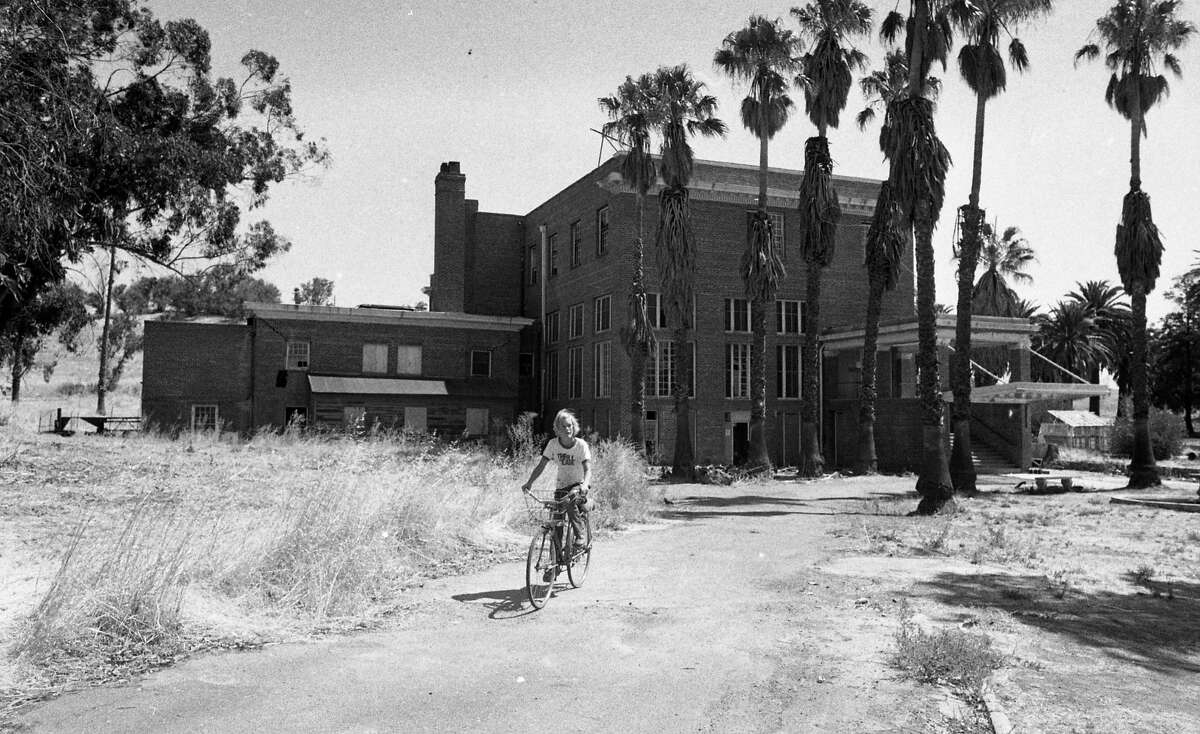
- ⚡ Fun facts: At 12-years-old, I lived in Sausalito, California at the end of Gate 5 on a houseboat my dad named The Tursiops, which had been a flat-hulled shipping barge. During my 7th grade, noted philosopher Alan Watts read the Mahābhārata to us school kids, from the wheelhouse of the S.S. Vallejo ferry. At 15, I lived at the once-famous Byron Hot Springs in a 1947 Dodge school bus, which had been upgraded with a bed, toilet, kitchen, pot-belly wood stove, stained-glass windows, and redwood-paneled walls, At 16, I lived in an old Army chapel. and at 17, outside Ukiah, California, in a 20’ tipi, when I hand raised a newborn male fawn, whose mother had just given birth caused by being fatally struck by a car. A typical American upbringing.






For the Rasa open-source machine learning framework, visit github.com/RasaHQ.